
Focused employee questions
Launch lightweight pulse surveys for onboarding, manager check-ins, team retros, and internal process reviews.
Create employee feedback surveys for pulse checks, onboarding, retrospectives, and internal decisions. Collect responses in one workspace, keep access controlled, and export reports your team can use without separating the findings from the original survey.
Employee feedback workspace
Pulse
Fast internal checks
Access
Owner to viewer roles
Reports
CSV, XLSX, PDF, PPTX
A useful employee feedback loop is narrow enough to answer, structured enough to compare, and controlled enough to share with confidence. Start with the decision you need to support, then collect the least amount of internal feedback required to make that decision responsibly.
Launch lightweight pulse surveys for onboarding, manager check-ins, team retros, and internal process reviews.
Share one stable respondent URL and keep the draft, live survey, and results tied to the same workspace.
Use owner, admin, editor, and viewer roles to keep feedback access aligned with team responsibilities.
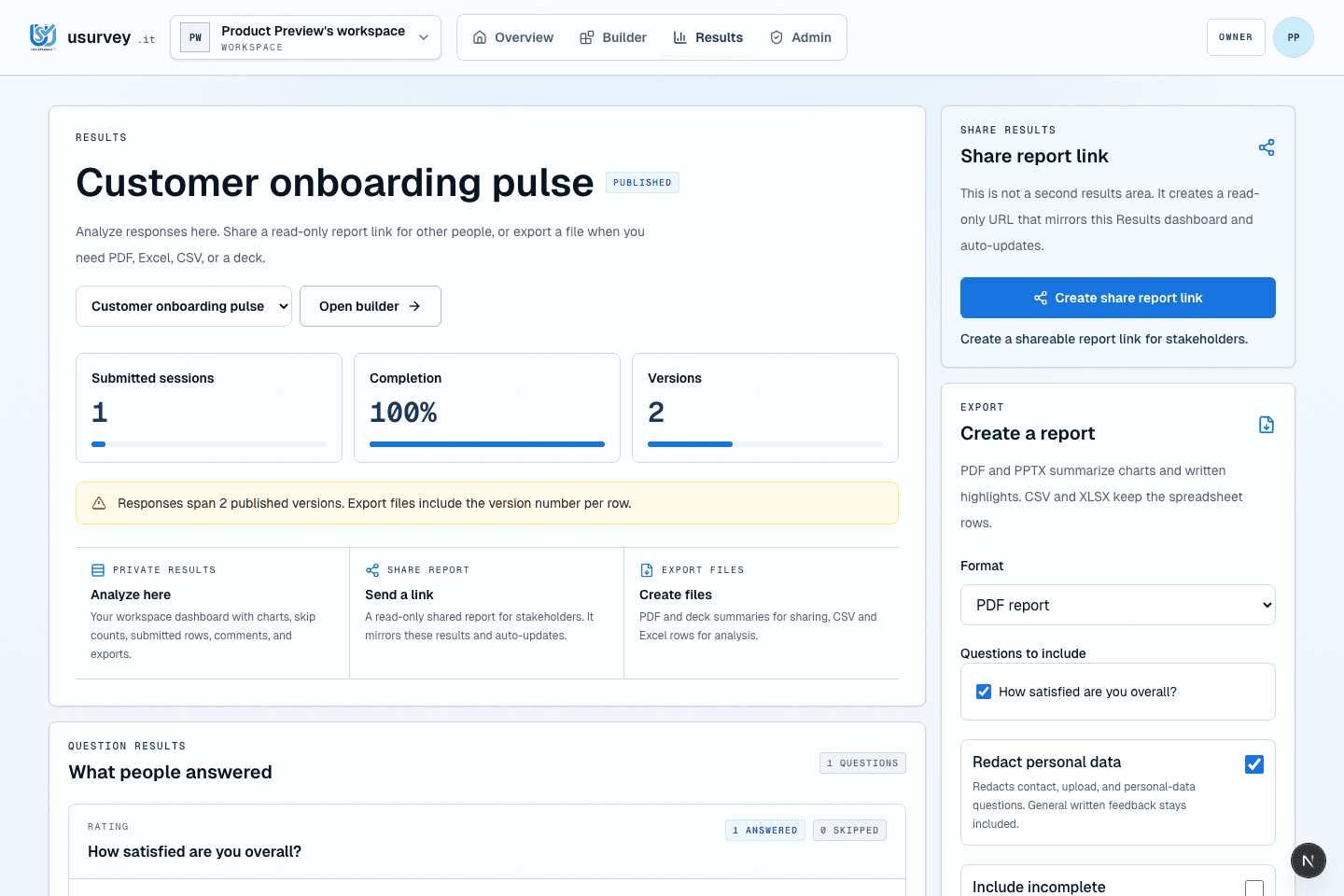
Move from submitted answers to CSV, XLSX, PDF, and PPTX outputs without rebuilding the report elsewhere.
These survey workflows work best when the team already knows how the answer will be reviewed, who should see it, and what format is needed after collection.
Pulse checks
Run a short pulse after a team change, policy rollout, or planning cycle, then compare completion and answer patterns before the next meeting.
Onboarding review
Ask new hires where onboarding was unclear and keep the response context attached to the survey, not scattered across chat messages.
Team retrospectives
Collect retrospective input before the room discussion so managers can review themes, protect access, and export a practical follow-up report.
Good survey prompts name a moment, avoid vague sentiment, and give the team a next action.
Onboarding
Find the moment where new hires need more clarity.
Which part of your first week was least clear?
Team pulse
Turn recurring team friction into a specific next action.
What process is slowing the team down the most right now?
Retrospective
Give retrospectives a clean path from feedback to report.
What should we change before the next project starts?
Employee feedback is sensitive because the audience is internal and the result can affect decisions. Keep access, response context, and export choices visible from the start.
Yes. Use usurvey.it to create a focused employee pulse survey, share a respondent link, and review submitted answers from one workspace. It works for onboarding reviews, team retrospectives, manager check-ins, and lightweight internal process surveys.
Yes. Workspace roles help keep survey creation, sharing, results, and exports limited to the right people. Owners and admins can keep sensitive employee feedback away from loose spreadsheets until it is ready to share.
Yes. Results can be exported to CSV, XLSX, PDF, and PPTX files, depending on the workspace plan. That gives HR, managers, and leadership a clean report path without rebuilding the survey findings elsewhere.
Ready to turn the next survey into a useful report?
Start free